If you have forgotten your password please use this url - https://lms.elearningatwork.co.uk/password/reset or the ‘Forgotten your password?’ link on the login page to reset your password.
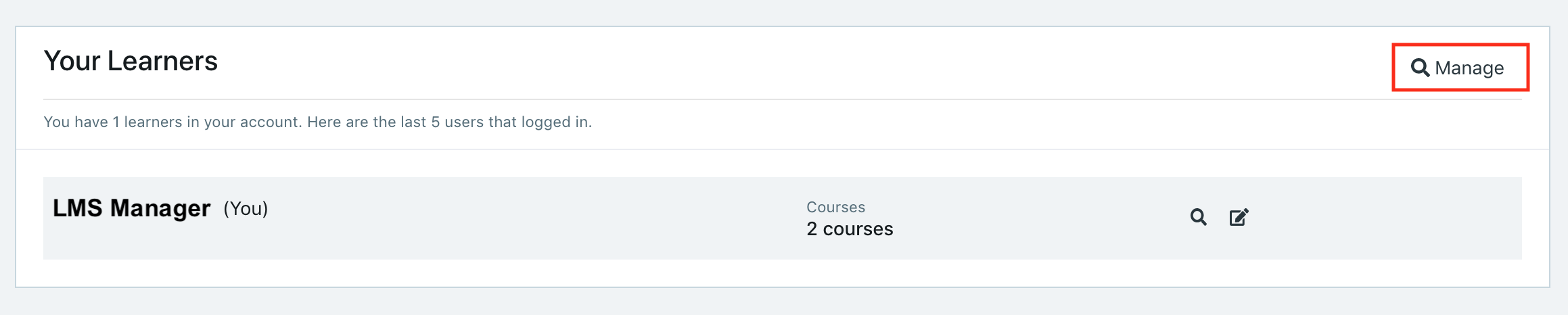
If you know your password but wish to update it to something more memorable, you can do this by logging into your LMS Manager account and selecting the 'Manage' icon at the top right of the Learners overview on the Dashboard view.
On the Learner Management screen, find yourself in the list of learners and select the 'More' option in your row - from here, click 'Change Password'

Enter the new password you wish to use for your account and click 'Update' at the bottom right - whilst it isn't a requirement, we do recommend to log out and then log back in with the updated password once changed.
