If you have forgotten your password please use this url - https://lms.elearningatwork.co.uk/password/reset or the ‘Forgotten your password?’ link on the login page to reset your password and follow the prompts given.
If you know your password but wish to update it to something more memorable, you can do this by logging into your account and choosing the 'My Details' option from the top of the page - on here, select the 'Change Password' tab where you will need to enter your current password as well as the new password you wish to set.
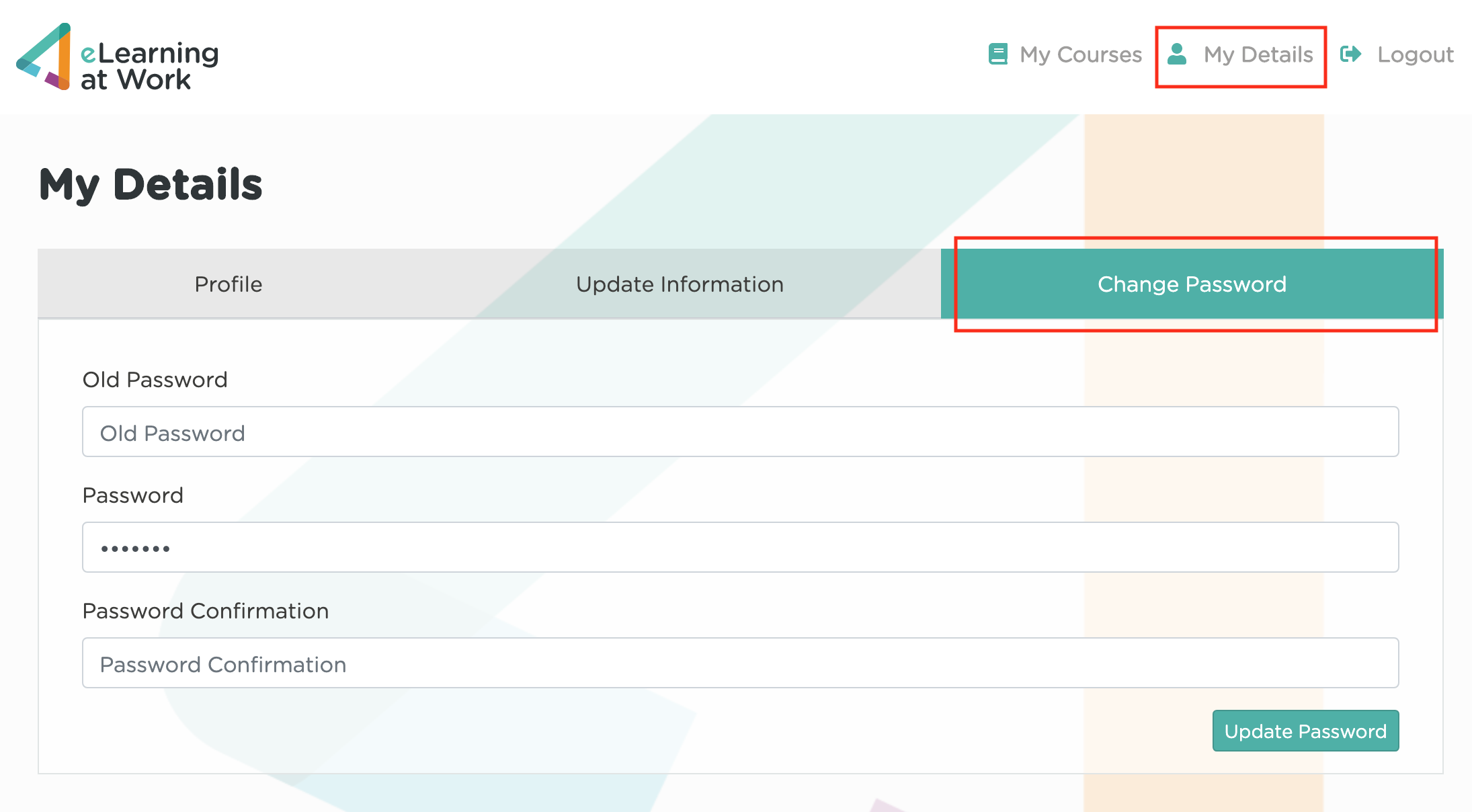
Once you've entered these details, select 'Update Password' where you should receive a confirmation of success - whilst it's not required, we would recommend to log out of your account and then log back in with the updated password.
